
ADP vs Paylocity: Which Software is Best for Small Businesses?
Choosing the right payroll software can make or break your small business. Choosing between ADP and Paylocity is an important decision that affects workflow and how happy employees are. Each platform offers unique features and pricing structures, but which one aligns best with your needs? Join us as we look at important comparisons, user stories, and what customers say to help you choose wisely and grow your business.
Overview of Payroll Software
Payroll software calculates and pays employee wages, following tax laws and regulations, ensuring compliance management with local tax regulations.
To choose the best payroll software, look for important features like payroll processing that automatically calculates wages based on hours worked. Look for integrated tax management tools that automatically calculate, withhold, and file taxes, reducing compliance risks.
Strong reporting features give information about payroll costs and employee pay. Popular options include:
- Gusto for its user-friendly interface,
- QuickBooks Payroll for its seamless integration with accounting software (our guide to payroll services that integrate with QuickBooks offers more insights),
- ADP for comprehensive HR services.
Looking at these features will help your business handle payroll needs effectively.
Importance for Small Business Management
For small businesses, a reliable payroll system can save an estimated 8 hours per month on payroll tasks alone, allowing owners to focus on business growth and improving financial management.
Payroll software saves time and improves accuracy by handling calculations automatically and lowering mistakes, so employees receive correct payments.
For example, tools like Gusto and QuickBooks Online automatically calculate tax withholdings, which minimizes the risk of costly mistakes. This efficiency is further highlighted in our comparison of ADP, Gusto, and QuickBooks, showcasing how different software can meet various business needs.
Giving employees their paychecks on schedule boosts their happiness and loyalty, leading to a better work environment and more involvement from employees.
Companies that use payroll software see fewer complaints related to payroll. This helps businesses build a more involved workforce, leading to increased productivity and success.
ADP Overview
ADP has offered payroll services for more than 70 years, providing customized support to businesses of all sizes, ensuring service reliability and adherence to payroll regulations.
History and Background
Founded in 1949, ADP has grown from a small payroll processing company to a global leader with over 860,000 clients worldwide.
Key moments in ADP’s history include launching payroll services using automated systems in the 1960s and acquiring its first major competitor, Automatic Data Processing, in 1970, which expanded its market presence.
ADP Workforce Now was introduced in 2010, changing HR management by combining payroll, talent management, and compliance tools into one platform.
Recently, by acquiring WorkMarket and Celergo, ADP has improved its services in workforce management and global payroll. This makes ADP a complete solution for businesses around the world.
Key Features
ADP provides a complete set of features such as payroll processing, tax filing, help with compliance, and portals for employees to manage their information, along with cloud-based solutions and automation for ease of use.
These features make payroll tasks easier for small businesses by reducing errors and simplifying administrative work.
By using automated payroll systems, companies can easily manage payroll tasks, ensuring employees are paid promptly.
The tax filing feature helps avoid penalties by automatically calculating and filing state and federal taxes. Helping with compliance keeps businesses updated on labor laws. Employee self-service portals allow staff to view pay stubs and change their personal information, which improves clarity and involvement.
This combination effectively addresses common payroll challenges, saving time and improving accuracy, contributing to effective human resources management. Casual mention: I recently came across this insightful comparison of ADP with other payroll solutions that highlights its strengths in automated payroll and employee self-service features.
Pricing Structure
ADP’s pricing model varies based on the services selected, typically starting at $59/month plus a per-employee fee that averages $5/month.
For example, if you have ten employees, your monthly cost would be approximately $109. This pricing can increase significantly if you opt for additional features like payroll tax filing or employee self-service; these can add between $10 to $50 monthly.
In comparison, competitors like Paychex start at around $60/month, but their fees for per-employee services may hover around $6. So, knowing exactly what you need and how many employees you have is important when selecting the right provider.
Customer Support Options
ADP offers a variety of help choices, including around-the-clock phone support, a large online information resource, and dedicated customer service staff.
Customers can expect quick response times, often within a few minutes for urgent inquiries.
The online help center includes a strong FAQ section and detailed guides, helping you find answers on your own.
ADP provides specific customer service representatives for businesses that need more personal help.
User satisfaction ratings consistently hover around 90%, indicating strong approval of ADP’s support effectiveness.
By using these channels, businesses can quickly fix problems, leading to seamless payroll and HR operations.
Paylocity Overview
Paylocity is known for its new payroll solutions that help improve employee involvement and make HR tasks easier for small to mid-sized companies.
History and Background
Established in 1997, Paylocity has rapidly evolved into a key player in the payroll software industry, serving over 20,000 clients across the USA, showcasing its vendor reputation and market share.
Founded with the vision of simplifying payroll processes, Paylocity has introduced innovative features like cloud-based software and real-time reporting.
Significant milestones include launching its Human Capital Management (HCM) package in 2013. This package brought together payroll and talent management, simplifying how clients manage various HR tasks.
Their focus on easy-to-use design and strong customer support has earned them steady praise, including awards for keeping customers happy.
This change shows how Paylocity adjusts to meet the needs of a changing workforce.
Key Features
Paylocity includes features such as instant data analysis, flexible reporting options, and a strong employee self-service system that increases user participation, enhancing customization and software scalability.
These features help small and mid-sized businesses make their HR processes more efficient, streamlining employee records and onboarding procedures.
For example, real-time data analysis allows quick changes based on employee statistics, helping businesses react quickly to trends. The reporting can be adjusted to fit specific company requirements, so that important information can be used right away.
The employee self-service platform gives staff simple access to their personal details, pay, and benefits. This reduces administrative burden, allowing HR teams to focus on strategic initiatives.
Pricing Structure
Paylocity’s pricing starts at approximately $40/month plus a per-employee fee, which can vary based on the chosen features and services.
The per-employee fee typically ranges from $4 to $6, depending on the specific tier of service selected.
Paylocity provides different packages, such as simple payroll solutions, HR software management, and detailed reporting tools, allowing for third-party integrations and system compatibility.
For businesses needing specialized features, like time and attendance tracking or performance management, additional costs may apply, often around $2 to $4 per employee, per module.
Be mindful of implementation fees and implementation time as well, which can be a one-time charge ranging from $1,000 to $5,000, depending on the complexity of your desired setup.
Customer Support Options
Paylocity offers multiple support channels, including live chat, phone support, and an extensive library of training resources and FAQs.
Users can get help anytime with these choices. Live chat and phone support are available during regular business hours to quickly help with urgent questions.
Paylocity’s online resources, including tutorial videos and FAQs, allow users to troubleshoot common issues independently. User satisfaction is generally high, with many praising the effectiveness of the support team in resolving problems quickly.
By using these channels, businesses can improve their payroll systems and provide a seamless experience for users.
Comparison of Features
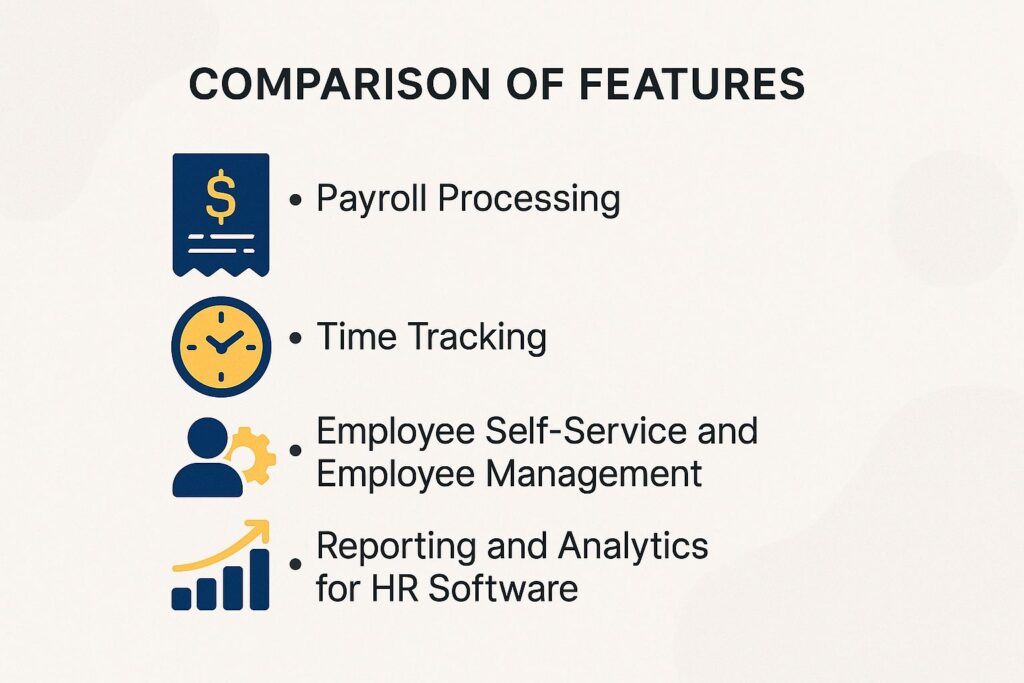
Looking at ADP and Paylocity shows specific advantages that can greatly affect how a small business manages its payroll, highlighting software comparison for business operations. For those interested in a broader analysis, our detailed report on the Payroll Software Showdown: ADP vs. Gusto vs. QuickBooks provides deeper insights into the capabilities and benefits of these platforms.
Payroll Processing
ADP handles payroll processing with advanced tools for legal requirements, while Paylocity offers customizable processing options that fit business demands.
ADP’s platform includes advanced features like automatic payroll tax calculations and compliance updates, ensuring businesses avoid costly errors and maintain industry standards.
Conversely, Paylocity emphasizes customizability, allowing users to tailor workflows specifically to their unique requirements. For instance, Paylocity users can set up unique pay cycles or work together with existing HR systems through APIs.
Both platforms allow electronic funds transfer, but ADP is better at offering detailed reporting tools that help with strategic decisions.
Businesses should evaluate these functionalities based on their operational scale and regulatory demands.
Time Tracking
Both ADP and Paylocity offer strong time tracking features, but Paylocity is notable for its mobile app that lets remote employees make updates instantly.
ADP provides a solid desktop interface that integrates well with payroll systems but lacks the fluidity of Paylocity’s mobile experience. Users can log hours via a web portal, yet many prefer the convenience of mobile access.
Paylocity’s app lets employees clock in and out, check their schedules, and ask for time off using their phones. This makes it particularly beneficial for businesses with on-the-go staff, enhancing operational efficiency through the use of mobile functionalities.
If your team values ease of use on mobile devices, Paylocity might be the better choice.
Employee Self-Service and Employee Management
Employee self-service portals allow users to get their pay stubs, tax documents, and personal information, improving user adoption. Paylocity offers a simpler interface that encourages more user interaction.
Platforms like BambooHR and Gusto provide intuitive dashboards that allow employees to manage benefits and request time off seamlessly. For instance, BambooHR’s mobile app enables users to submit vacation requests directly from their phones, streamlining communication with HR.
These self-service options improve employee involvement by encouraging independence and also greatly lessen HR workloads, letting teams concentrate on important projects instead of routine chores. Investing in user-friendly portals can lead to increased satisfaction and productivity across the workforce.
Reporting and Analytics for HR Software
ADP excels in compliance reporting, whereas Paylocity shines in providing real-time analytics for workforce management decisions.
ADP provides tools for compliance reporting, helping companies create detailed reports on tax submissions, labor law compliance, and audit records, which are important for meeting regulatory requirements.
Conversely, Paylocity is effective because it has simple dashboards that display up-to-date information on employee activity and staff changes, enabling better corporate payroll management. This allows managers to quickly make informed decisions.
For example, Paylocity’s reporting tools let you monitor patterns in how employees feel about their work, helping you change management plans as needed. ADP helps your company meet legal standards.
User Experience and Software Features
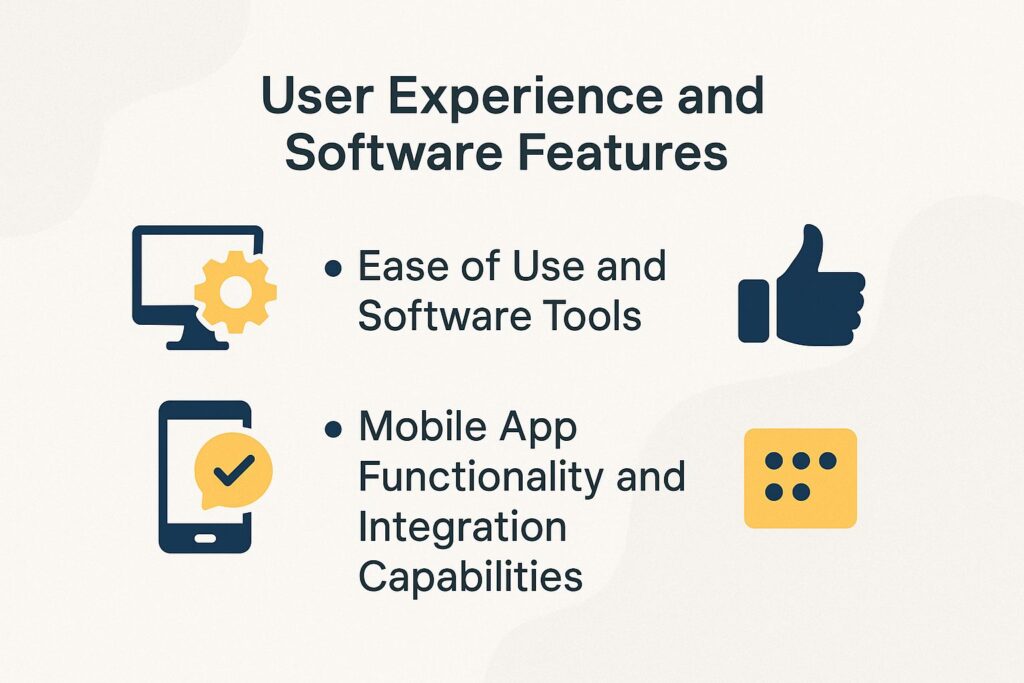
How workers feel about payroll software can significantly affect their happiness and how well they do their jobs. This can then impact how satisfied customers are, making it an important thing for businesses to consider.
Ease of Use and Software Tools
ADP offers a more traditional interface, while Paylocity’s design is modern and intuitive, catering to a younger workforce.
This contrast in design philosophy influences user experience significantly.
ADP’s established layout may be easier for older employees who are accustomed to legacy systems, but it can feel cumbersome for younger users.
In contrast, Paylocity has a simple and easy-to-use design, including features that work well on mobile devices, which attracts people who are comfortable with technology.
To help you choose, try both systems. ADP often offers a demo, and Paylocity allows you to try the software yourself before deciding.
Assess feedback from staff on usability to determine the best fit for your team.
Mobile App Functionality and Integration Capabilities
Paylocity’s mobile app allows employees to access their payroll information on-the-go, offering a significant advantage over ADP’s limited mobile capabilities.
The Paylocity app is user-friendly, allowing employees to quickly see their pay stubs and send time-off requests, which helps them manage their responsibilities easily.
In contrast, ADP’s app primarily focuses on basic pay information with fewer interactive features, limiting engagement. Paylocity integrates social features, allowing users to celebrate achievements with coworkers, enhancing workplace culture.
Employees can use the app to arrange their schedules and get approvals directly from their phones, which is important for remote work settings.
Customer Feedback and User Ratings
Feedback from customers gives important information about how well the payroll software works and how happy users are. This helps future buyers make smart decisions. For those looking to explore their options, understanding which features are prioritized by users can be insightful, as mentioned in our Best Payroll Software in 2024 guide.
ADP User Reviews
ADP is known for having many features, but people often complain about its expensive prices and slow replies from customer support, showing its services and software weaknesses.
Many users like ADP’s strong payroll features, which help businesses handle detailed tax calculations and reporting easily. Features such as employee self-service portals are also highlighted for enhancing overall workplace productivity and risk management.
Common criticisms stem from its tiered pricing model, which can quickly escalate costs for smaller businesses. Some users report long wait times for customer support, which can be frustrating during critical payroll periods.
To address these issues, consider comparing ADP with alternatives like Gusto or Paychex, which may offer more flexible pricing and better support.
Paylocity User Reviews and Software Updates
Paylocity users like its easy-to-use design and strong reporting features, although some mention that there are sometimes technical problems.
Many reviews point out the easy start-up and user-friendly features that help HR teams get up to speed quickly, promoting effective user interface usage.
Users often appreciate the detailed reports because they allow personalized analysis, making it easier to monitor performance and perform competitive analysis.
Some clients have experienced issues during system updates, causing brief outages, which shows the need for strong technical support.
While the mobile app offers significant convenience, users note occasional lag in performance.
The balance of usability and functionality makes Paylocity a preferred choice, especially for companies prioritizing efficiency in HR tasks.
About the Author
Kim Anderson is a Harvard University graduate with a bachelor’s degree in Accounting and Finance. She’s the owner of a successful payroll outsourcing firm based in California and a contributing writer for My Payroll Outsourcing. With 14 years of experience, Kim helps businesses streamline compliance, minimize administrative risk, and manage multi-state workforces with confidence.